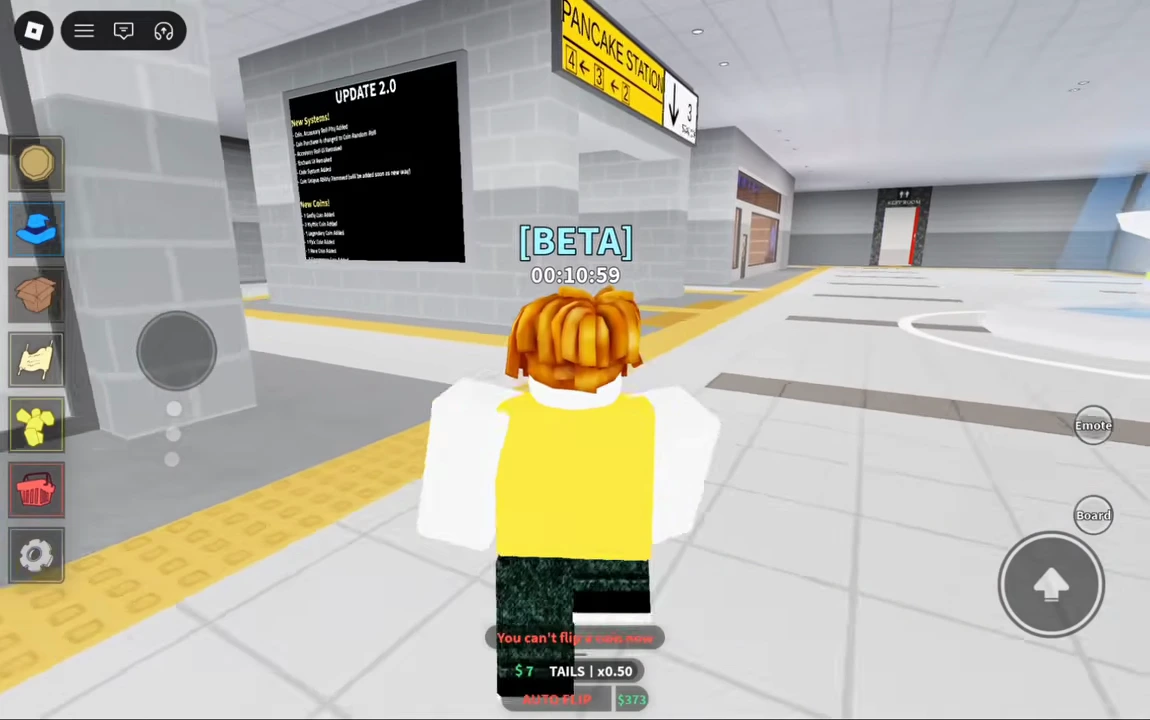
Find the Pancake Station platform
Start in the bright tiled concourse under the yellow Pancake Station signs. Follow the yellow floor strip to the stairs and descend to the train platform. The travel attendant stands beside a platform pillar; approaching the train doors alone is not the interaction shown in this route.
The route below follows BoardGuy’s August 26 beta recording with touch controls. Its exact live build is not established. Use your own platform’s displayed interaction and coin-flip controls; this footage does not verify a keyboard shortcut or a universal travel unlock requirement.
- Find the yellow Pancake Station direction sign in the concourse.
- Follow the yellow floor strip down the stairs.
- Approach the attendant beside a pillar on the platform.
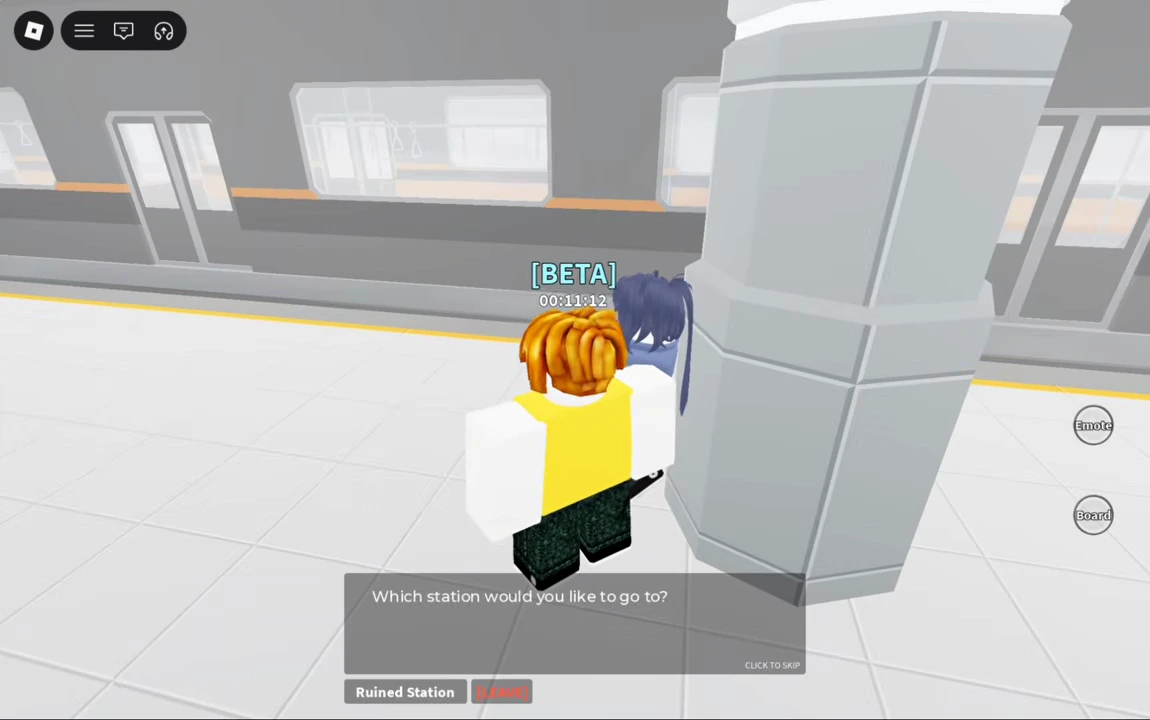
Choose Ruined Station in the dialogue
Use Talk on the attendant and select Ruined Station. The recording then runs the train boarding and arrival sequence. When control returns, the bright concourse has been replaced by a dark station with broken flooring, rubble and damaged signs.
Before entering the trackside passage, locate the room with the yellow Upgrade sign. Its white floor outline surrounds a workbench and green cylinders. This is the nearby upgrade, sale and shop point you will return to after mining.
- Open the attendant’s Talk dialogue.
- Select Ruined Station, rather than Leave.
- Wait through the train sequence and locate the Upgrade room beside the damaged platform.
Mine the first nearby rock with coin flips
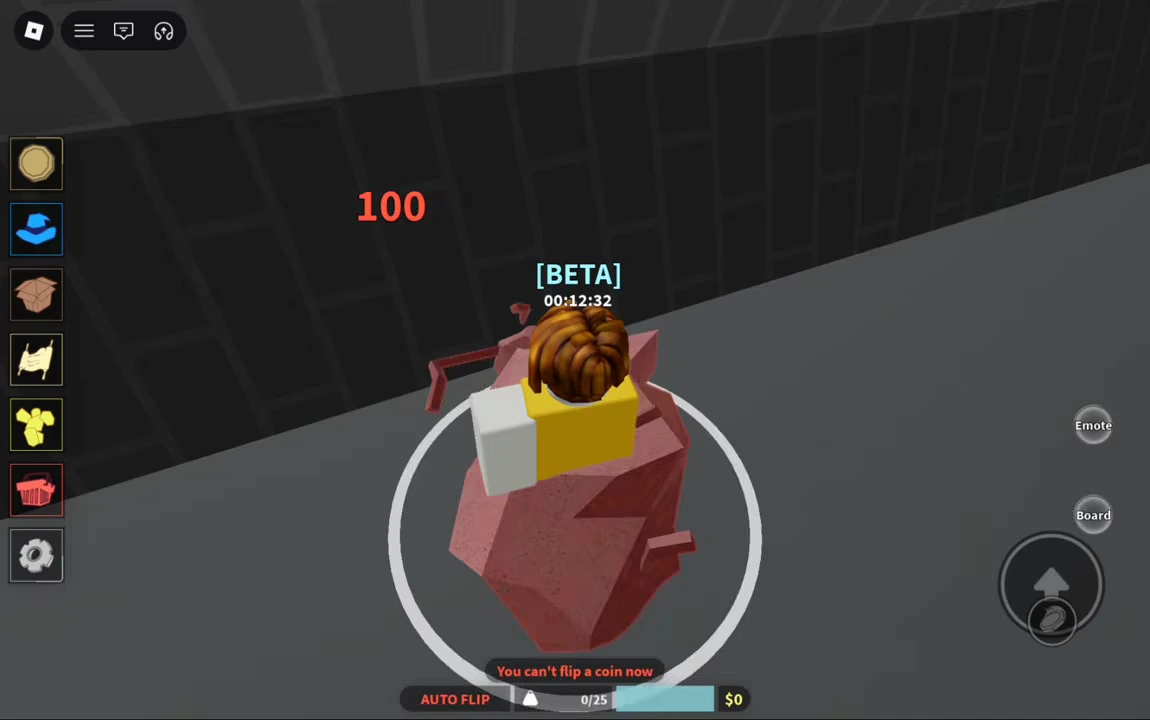
From the ruined platform area, follow the trackside passage into the darker tiled section. Continue past the yellow floor tiles to the gray rock beside the tracks. Stand close to it and use the coin-flip control. The recording shows coins flipping above the character, the rock reacting to hits, and the rock disappearing after repeated hits.
The HUD’s storage counter changes from 0/25 to 1/25 after this rock breaks. The player opened the upgrade menu earlier but began this first mining sequence with level-zero mining upgrades and a $0 mining balance. No purchased mining upgrade is shown between arrival and this first rock.
A red “You can’t flip a coin now” message also appears between the recorded attempts. It is not, by itself, proof that travel or mining needs a different tool: the same sequence goes on to hit and collect the rock. Wait for another permitted flip instead of treating that message as a confirmed missing unlock.
- Follow the passage alongside the tracks to the nearby gray rock.
- Stay close enough for coin flips to strike it, then continue flipping as the control allows.
- Check that the rock disappears and your stored ore count increases before leaving.
Sell the rock at the Upgrade room
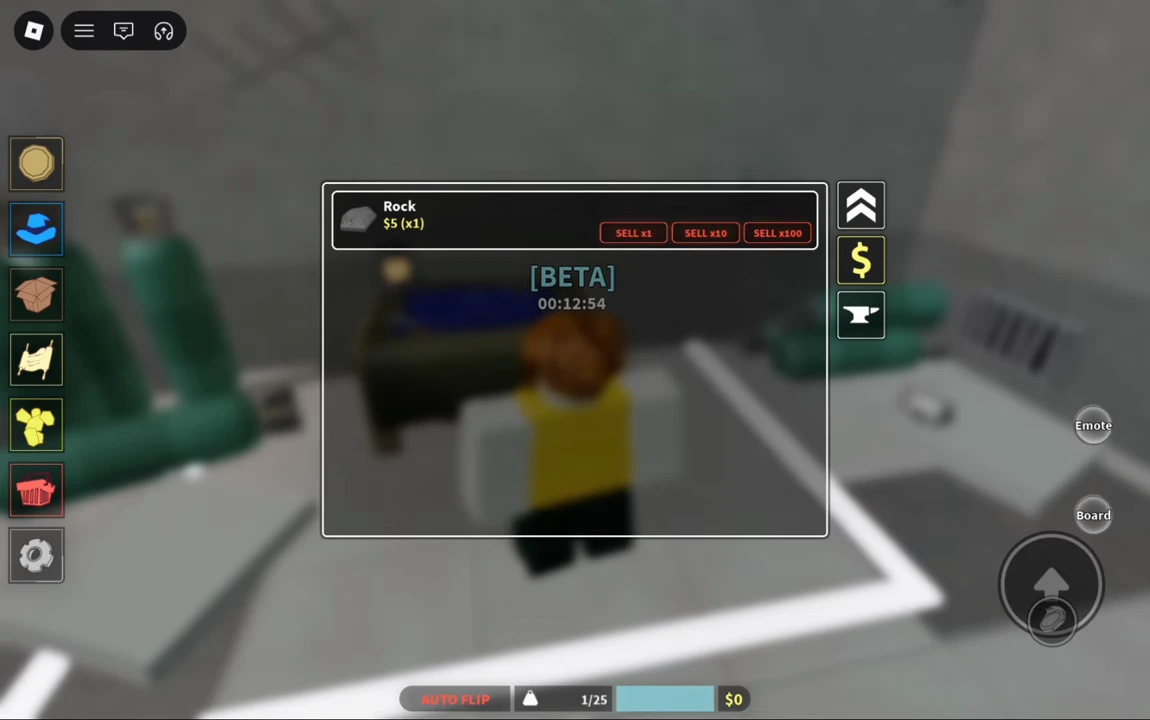
Retrace the trackside route to the room under the yellow Upgrade sign. Enter the outlined area and choose the dollar-sign tab on the right of the panel. The recorded sale list contains Rock with one item held and Sell x1, Sell x10 and Sell x100 controls.
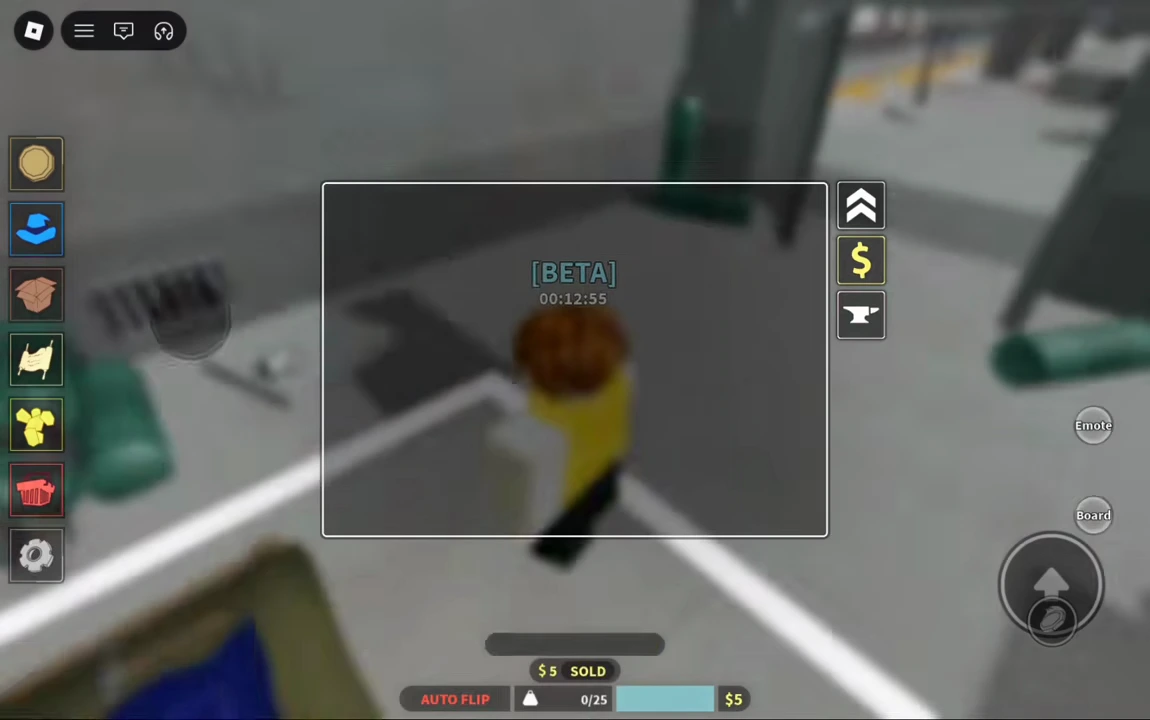
For this first-item example, choose Sell x1. In the recording, the Rock row disappears, storage returns to 0/25 and a $5 sold message appears. The mining balance rises from $0 to $5. That price and capacity describe this recording, not a guaranteed current value for every ore or upgraded account.
- Return to the room with the workbench, green cylinders and white floor outline.
- Open the dollar-sign sale tab.
- Check the item and quantity, then use Sell x1 for the single Rock.
- Confirm that the stored item count falls and the sale receipt appears.
Confirm the sale result
The empty sale list and the receipt are the completion check for this first mining trip. Arriving at the station or merely opening the shop does not mean the rock has been sold.
Take the train back to Pancake Station
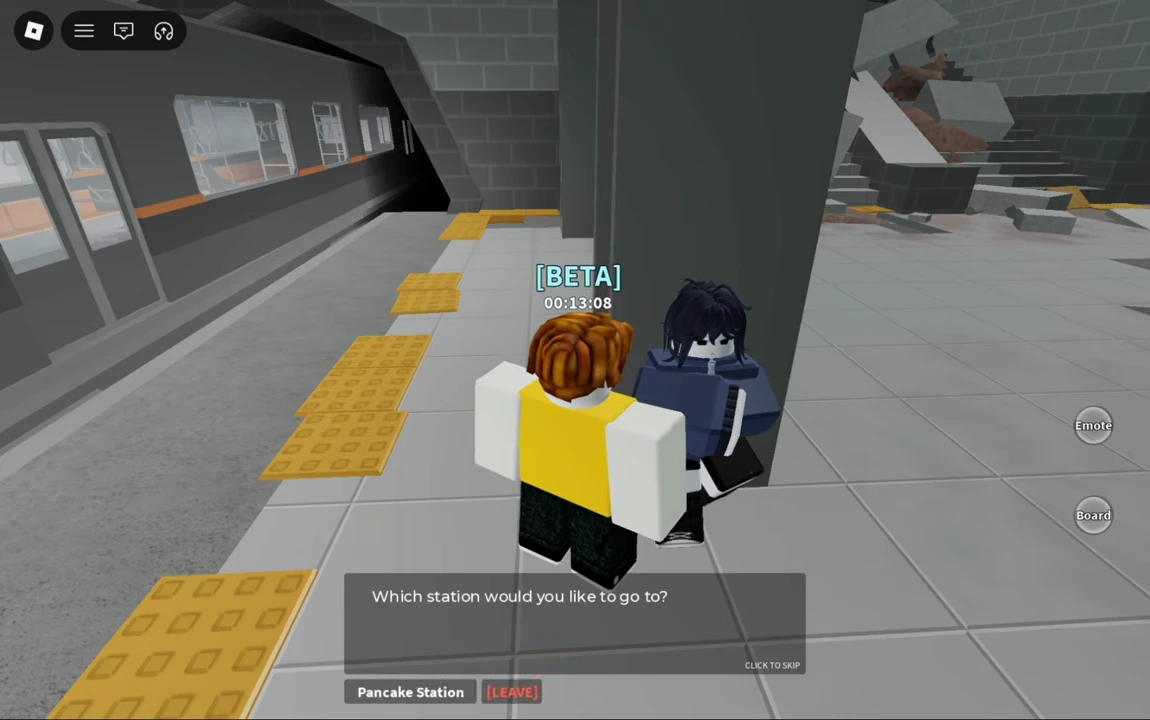
Leave the Upgrade room and follow the yellow platform tiles to the attendant beside the pillar. Open Talk again and choose Pancake Station. After the train sequence, control returns on the bright platform; follow the stairs back toward the concourse.
This completes the station round trip and its first mining activity. The nearby upgrade and shop tabs offer further mining options, but neither their full catalog nor deeper-area requirements are needed to follow this demonstrated first-rock route.
- Return to the platform attendant at the ruined stop.
- Choose Pancake Station in the destination dialogue.
- Wait for arrival, then use the stairs to return to the concourse.