Flip until you can afford the displayed offer
The official flip inputs are click, touch or controller RT. Watch the lower HUD for the result and your money balance. The recorded player flips in the concourse beside the fountain; the balance rises while playing. A displayed HEADS reward is one outcome, not a guaranteed payment on every flip.
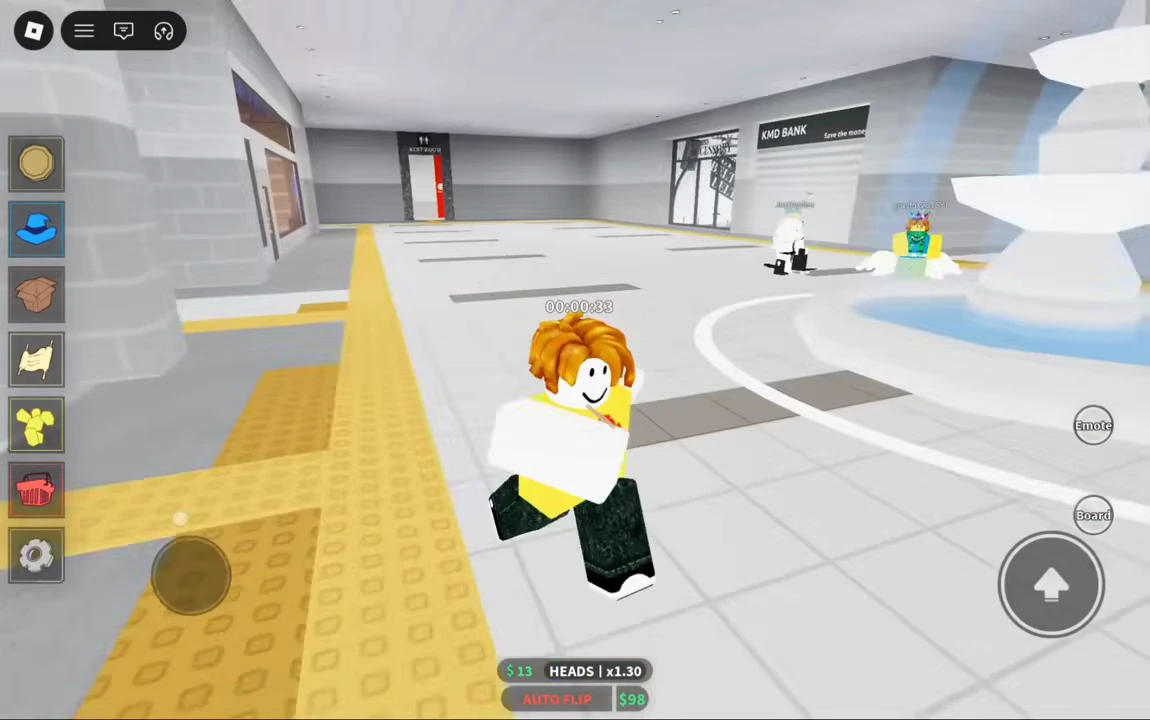
Read the fountain offer before rolling
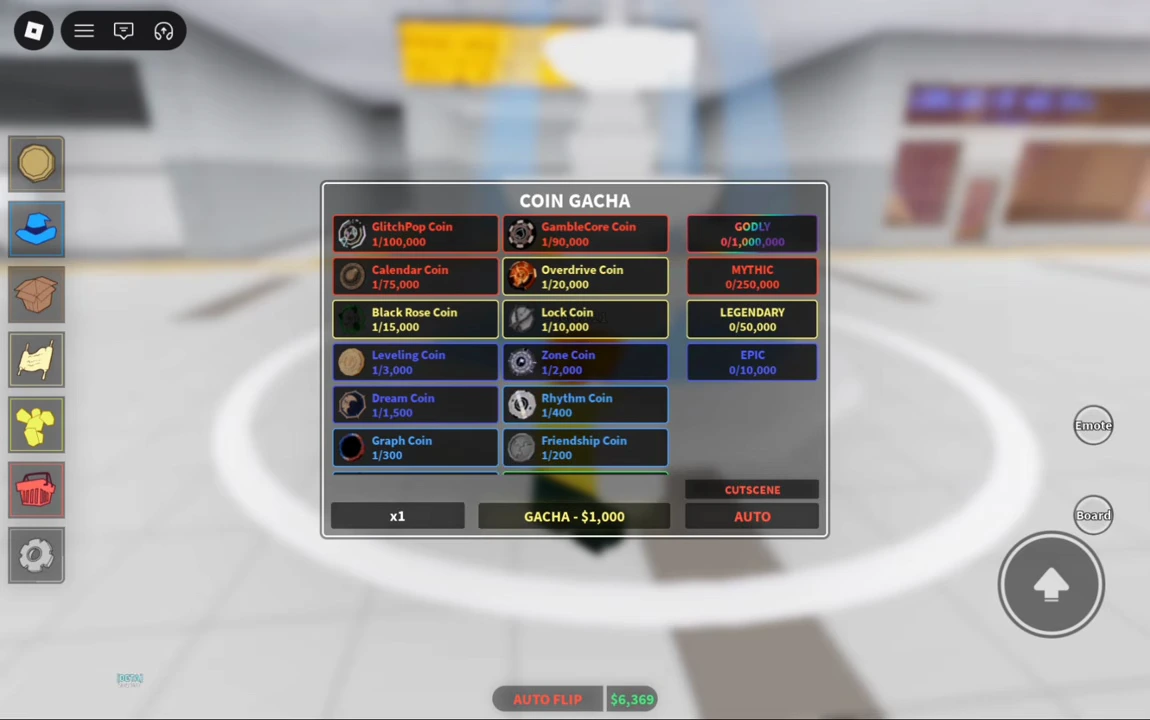
Approach the white fountain in Pancake Station to open Coin Gacha. In this recording, x1 costs $1,000 and the player has $6,369 before the first shown purchase. Read your own offer before spending; the dated fee is not a guarantee for every later build.
- Check the quantity selector and the GACHA price.
- Set a spending limit using the roll budget guide.
- Press GACHA for the chosen quantity, then inspect the result before buying again.
Confirm what the roll returned
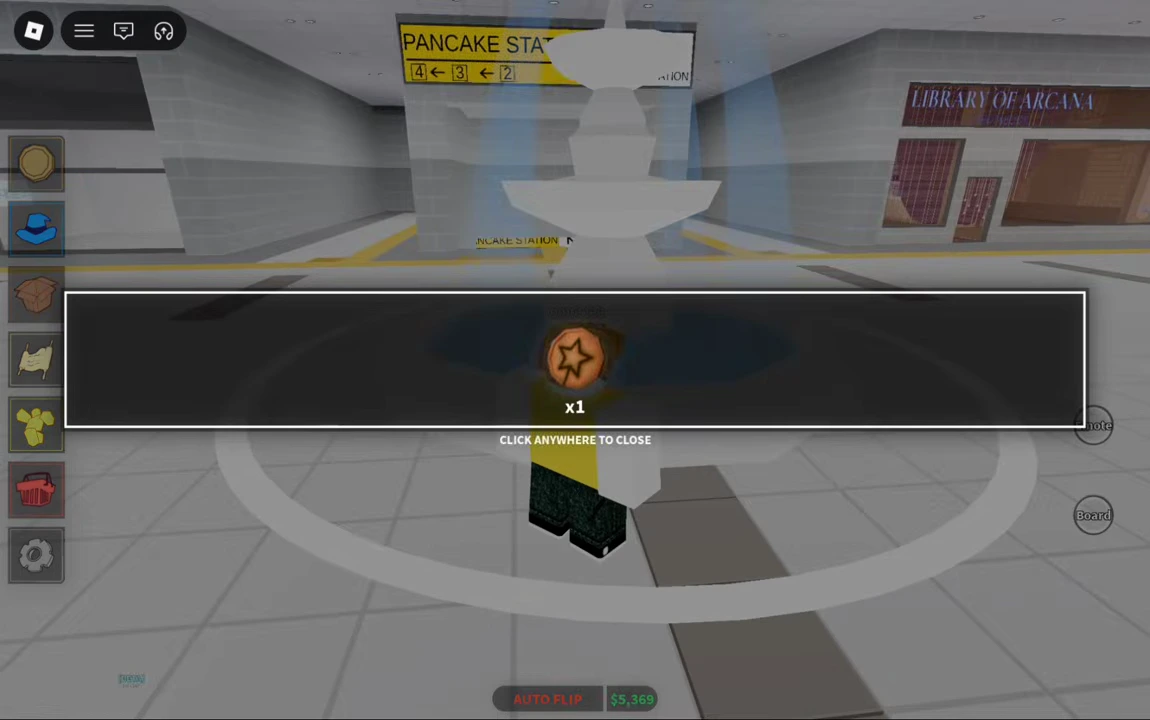
The first shown result is a star-marked coin ×1 and the balance is $5,369: a $1,000 deduction from the preceding screen. The later inventory identifies that star design as Dalgona Coin. Further rolls in the video return different icons, so this is an example result, not a promise that your first roll gives Dalgona. Close the result using its on-screen prompt.
Select the coin, then equip it
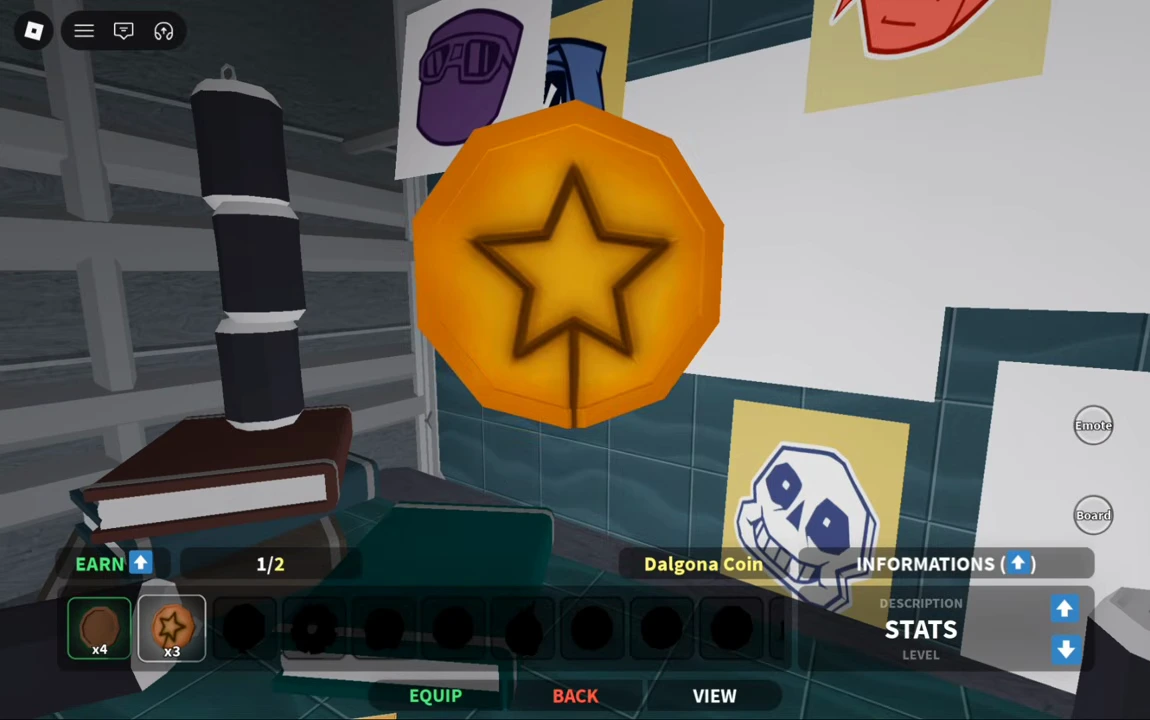
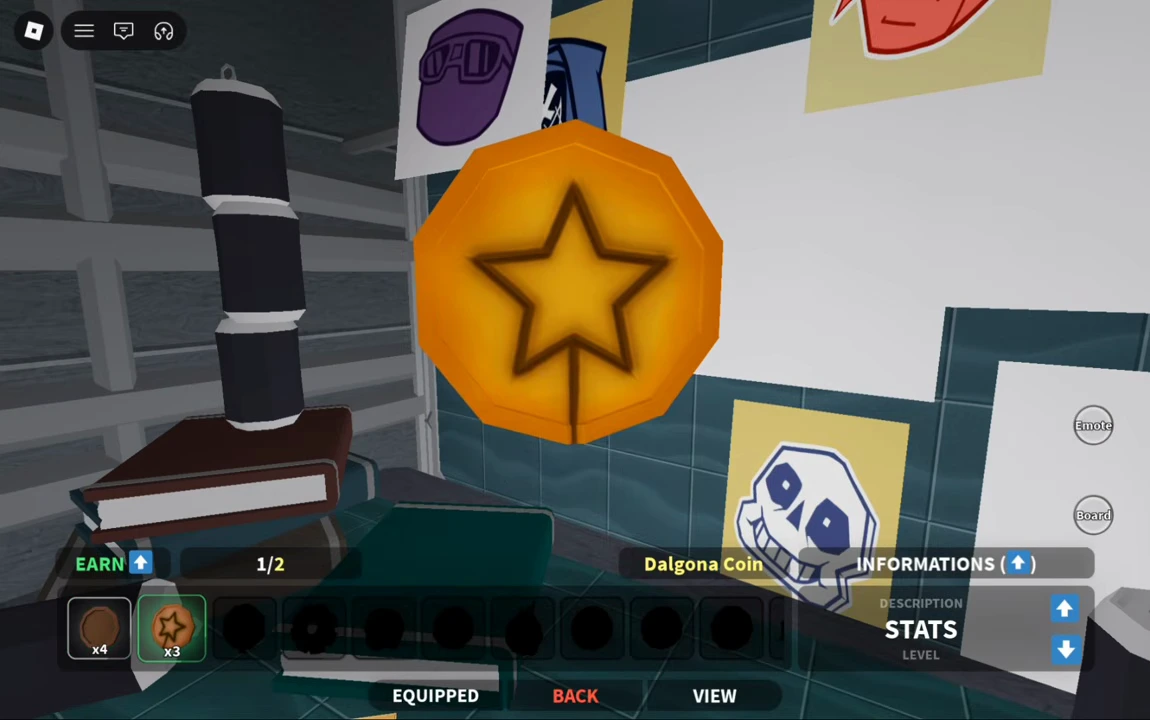
Open the gold coin icon in the left menu and choose an owned coin from the bottom row. In the example, Penny initially shows EQUIPPED. Selecting Dalgona changes the large model and displays the green EQUIP button. Press that button to apply the coin choice.
- Open the coin inventory.
- Select the coin you want to use.
- Press the bottom EQUIP button.
Check the confirmation before leaving
The next frame shows EQUIPPED beneath Dalgona. This bottom control concerns the coin itself; an EQUIPPED label inside the separate Flip Animations panel concerns an animation. Use Back to return to the world. For a comparison of the coin and action fields, see rarity and earning bonuses.
Explore the station services and take the train
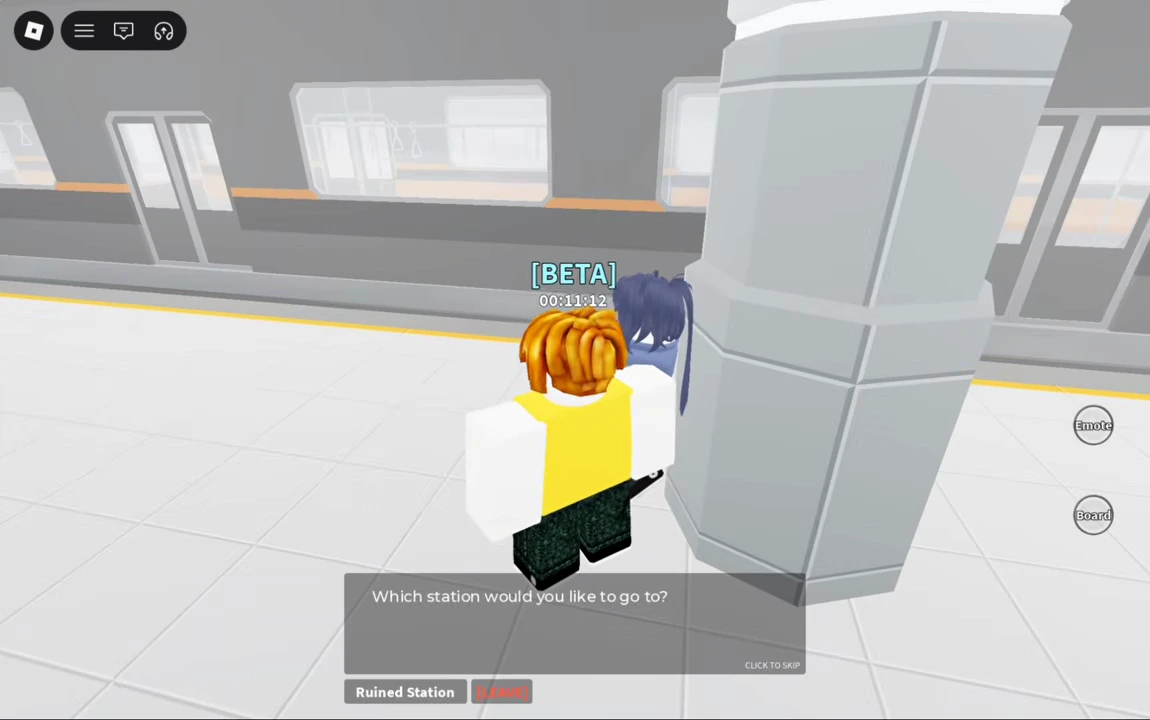
The landmark directory locates the accessory counter and Library of Arcana. To try the other station, follow the yellow floor strip down to the platform, talk to the attendant beside a pillar and choose Ruined Station. The return dialogue there offers Pancake Station.
Follow the first mining round trip for the nearby rock, sale counter and return path. You do not need to infer a warp menu or travel unlock from an old Heads, Please! map.
Footage boundary
Uploaded August 26, 2026; exact live build unverified. The recording uses touch controls and shows an already-running character, not the complete account-creation sequence. Match the current interface and use the control reference for your input device.